

Voice Over Content Hub
Welcome to the content hub.
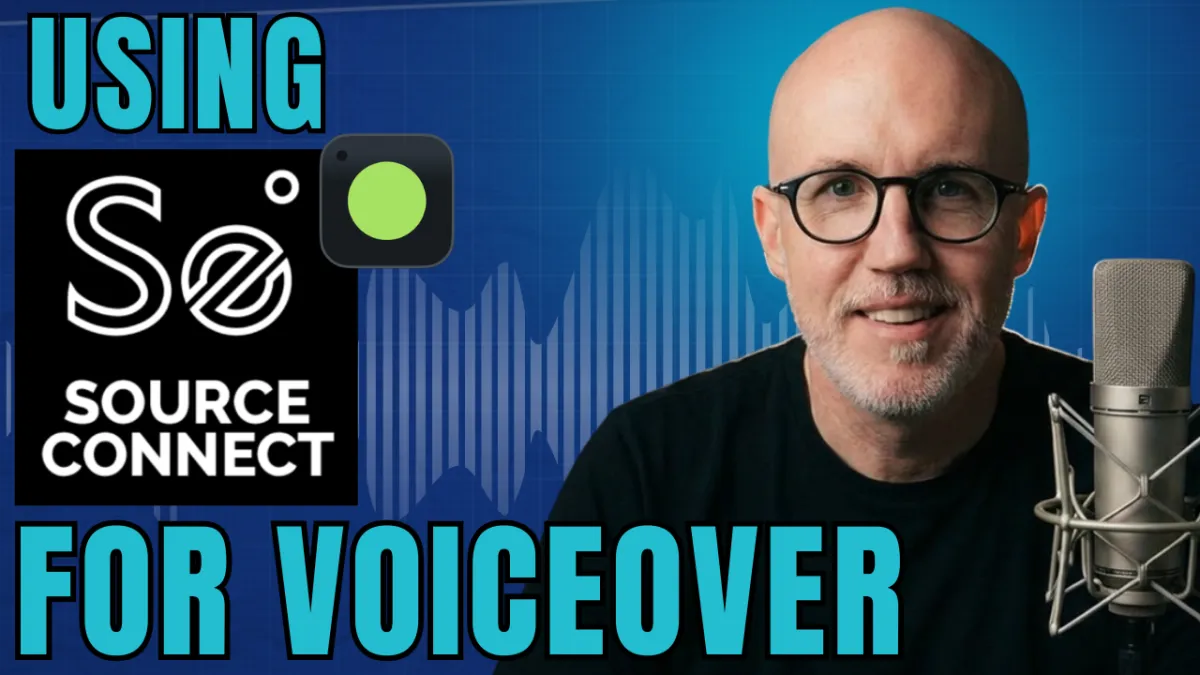
Source Connect for Voice Actors (What It Is & When You Need It)
Source Connect for Voice Actors (What It Is & When You Need It)
What Is Source-Connect? Everything Voice Actors Need to Know
If you've been around the voiceover industry for any length of time, you've probably heard someone say something like:
"Just send me your Source-Connect ID."
If you're new to voiceover, that phrase can sound a little intimidating.
What exactly is Source-Connect? Do you really need it? And how does it compare to platforms like Zoom?
The good news is that Source-Connect isn't nearly as complicated as it sounds. In fact, once you understand how it works, you'll realize why it's become one of the industry standards for professional remote recording sessions.
Let's break it down.
What Is Source-Connect?
Source-Connect is professional remote recording software developed by Source Elements.
Its primary purpose is simple:
It allows you to connect your home recording studio directly to a remote recording studio or engineer anywhere in the world.
Instead of recording your audio, editing it, exporting files, and sending them to a client afterward, Source-Connect streams your microphone directly into the client's recording system in real time.
To the client, it's almost as if you're standing in their recording booth.
That's why so many advertising agencies, production companies, animation studios, and video game developers rely on it for remote voiceover sessions.
Why Do Professional Studios Use Source-Connect?
One of the biggest advantages of Source-Connect is collaboration.
During a session, the client can:
Hear your microphone in real time
Direct your performance live
Request alternate reads
Experiment with different deliveries
Record everything directly into their own studio
Instead of sending multiple versions back and forth over email, everyone works together live.
That saves time for everyone involved.
What Happens During a Source-Connect Session?
A typical session looks something like this:
The client schedules a recording session.
They connect to your Source-Connect ID.
You wear headphones and communicate with the client throughout the session.
The client records your audio directly into their recording software.
When the session ends, you're finished.
No exporting.
No uploading files.
No editing.
The production team handles all of that on their end.
Source-Connect vs. Zoom
One of the most common questions new voice actors ask is:
"Why can't I just use Zoom?"
The answer depends on the project.
Zoom is excellent for communication.
You can:
Talk with clients
Receive direction
Collaborate in real time
However, Zoom isn't designed to replace a professional recording workflow.
In a typical Zoom-directed session:
You record your own audio locally.
After the session, you export the files.
You send the recordings to the client.
With Source-Connect, the client captures your audio directly into their recording system while you're speaking.
That creates a smoother, faster production process—especially for larger commercial projects.
Do You Need Source-Connect?
The short answer is:
Yes... eventually.
If you're just starting your voiceover career, you probably don't need it immediately.
Many beginners spend months—or even years—booking work without ever using Source-Connect.
My recommendation is simple:
Wait until you book a job that requires it.
Once that happens, set it up and learn how to use it.
From that point forward, it's worth keeping active if you're regularly pursuing professional commercial work.
The monthly subscription is relatively inexpensive compared to the opportunities it can unlock.
Some Auditions Require Source-Connect
Here's something many beginners don't realize.
Some auditions ask for your Source-Connect ID before they'll even consider your submission.
Why?
Because the client wants to know they can direct you remotely if you're selected.
If Source-Connect is listed as a requirement, not having it could prevent you from being considered for the job altogether.
The Interface Is Surprisingly Simple
One thing that surprises most new users is how straightforward Source-Connect actually is.
The interface includes:
Input and output meters
Contact list
Connect button
Audio settings
Most sessions begin simply by exchanging Source-Connect IDs with the client.
Once connected, you're ready to record.
There isn't a steep learning curve.
Tips for Your First Source-Connect Session
If you've never used Source-Connect before, here are a few best practices.
1. Set It Up Before the Session
Don't wait until ten minutes before your scheduled recording.
Install the software early.
Test your microphone.
Verify your audio settings.
Become comfortable with the interface.
The less you're troubleshooting during the session, the more professional you'll appear.
2. Use a Wired Internet Connection
Whenever possible, connect your computer directly to your router with an Ethernet cable.
A wired connection is:
Faster
More stable
Less likely to experience dropouts
While Wi-Fi often works, professional sessions benefit from the reliability of a hardwired connection.
3. Always Wear Headphones
Headphones aren't optional.
Without them, your microphone can pick up the client's audio, creating:
Echo
Feedback
Audio bleed
A good pair of closed-back headphones helps keep the session clean and professional.
Is Source-Connect Worth It?
If your goal is to book national commercials, animation, video games, corporate narration, or other professional voiceover projects, the answer is usually yes.
Many clients expect professional voice actors to have Source-Connect available.
Even if you don't use it every week, having it ready demonstrates that you're prepared for higher-end recording sessions.
Think of it as another professional tool in your studio.
Final Thoughts
Source-Connect isn't something every beginner needs on day one.
But it is something every serious voice actor should eventually become familiar with.
As your career grows, you'll likely encounter more clients who want live, directed sessions without the hassle of file transfers.
By understanding how Source-Connect works—and being ready when the opportunity comes—you'll position yourself for a wider range of professional voiceover jobs.
If you're serious about building a long-term voiceover career, learning Source-Connect is one more step toward becoming the kind of talent that clients love to hire.
Ready to take the next step? I'm hosting a free 1-hour webinar this Tuesday night at 6:00 PM Pacific / 9:00 PM Eastern where I'll go deeper into everything it takes to start a voice acting career from home—including how to land your first gigs with little to no upfront cost. Plus, everyone who shows up gets a free copy of my book, The Voiceover Blueprint (audiobook and ebook). Sign up using this link.
Download My Latest Beginner Mistakes in Voice Over - Quick Start! https://thevoiceoverblueprint.com/beginner-mistakes
Discover the Voice Over Blueprint™: https://thevoiceoverblueprint.com/vobp
The content on this channel is for educational and informational purposes only. While I share tips, strategies, and guidance based on my experience as a professional voice actor, there is no guarantee of earning income or securing voiceover work by using the information provided. Results vary depending on individual effort, skill level, market conditions, and other factors. Viewers should use their own judgment and take personal responsibility for their voiceover career decisions.

Download my latest voice over resource guide...
Get My Latest Voice Over Tips, Tricks, and Insights You Can Use Right Now!
These no cost resource guides show you what working now in voice over.
Terms of Use. |. Disclaimer. |. Privacy Policy. |. Members Area. | Reviews | Refund Policy | Partners